
-1.png)
CT HCC Website Orientation
New to the CT HCC site? Learn more about how to use it here.
Sign up for a CT HCC Website Account
As you can see via this newsletter, the CT HCC's new website has launched as of June 1, 2026. Please feel free to explore the website and sign up for an account using the following steps:
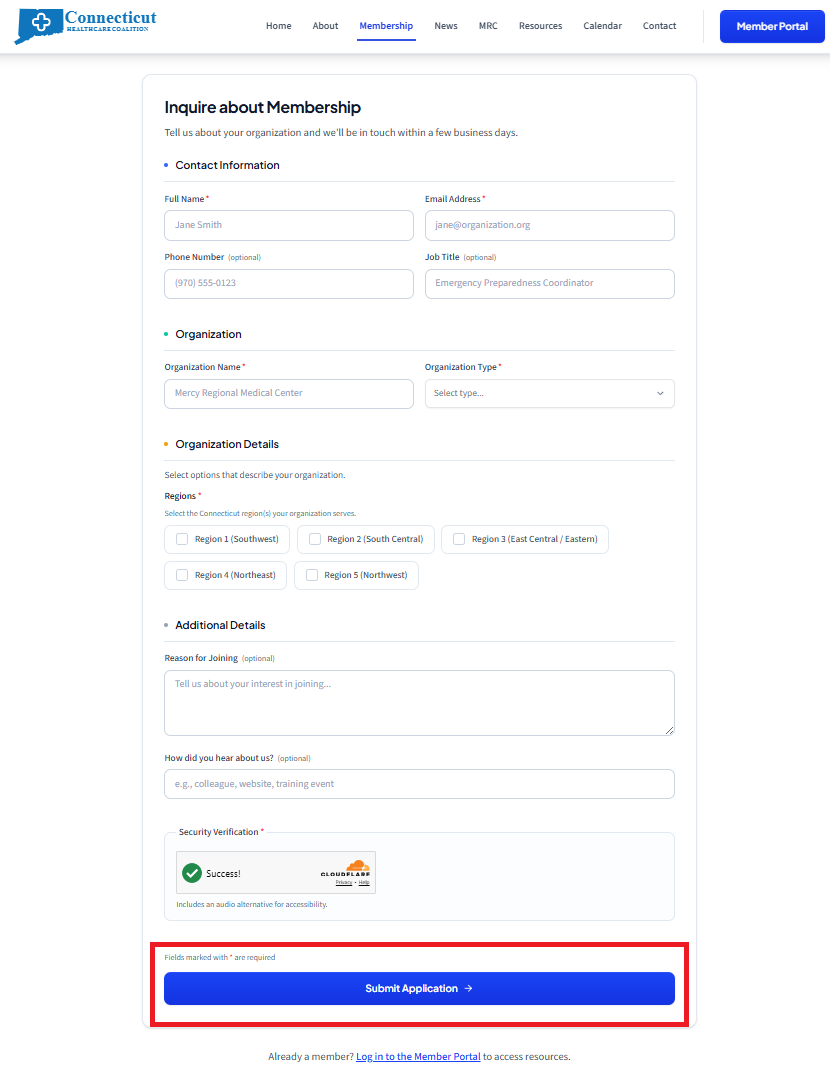
Step 1: Click on the "Membership" page at the top of the screen.

Step 2: Fill out the Membership Inquiry form and hit "submit."
If you are missing some information, that is okay! Simply fill out all required forms. CT HCC staff can reach out to you if they require further details.
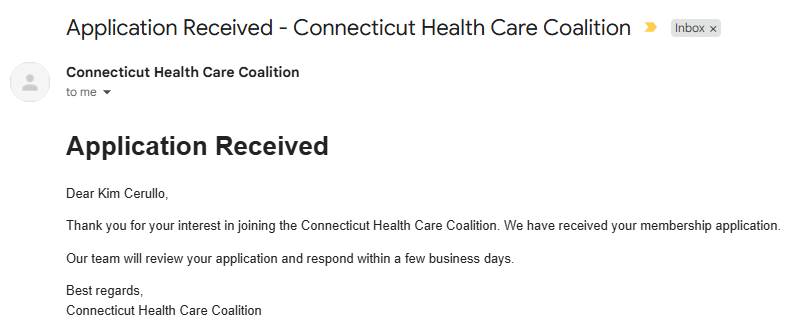
Step 3: Await an approval email from CT HCC staff. In the meantime, you will receive a confirmation that you submitted an application.
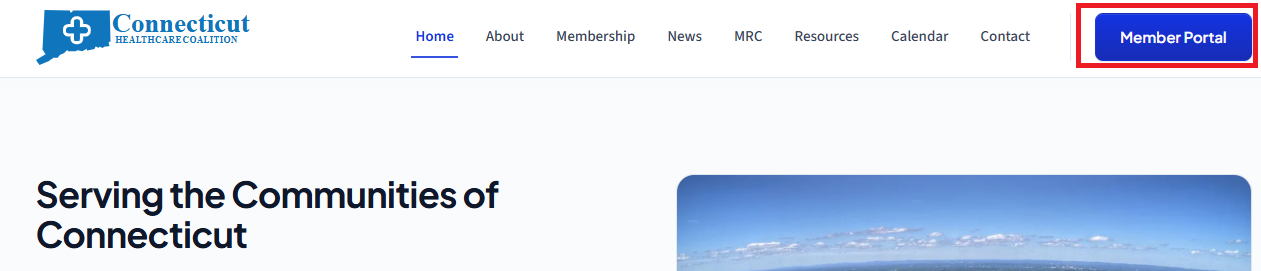
Step 4: To log in, click on the "Member Portal" button at the top of the screen.
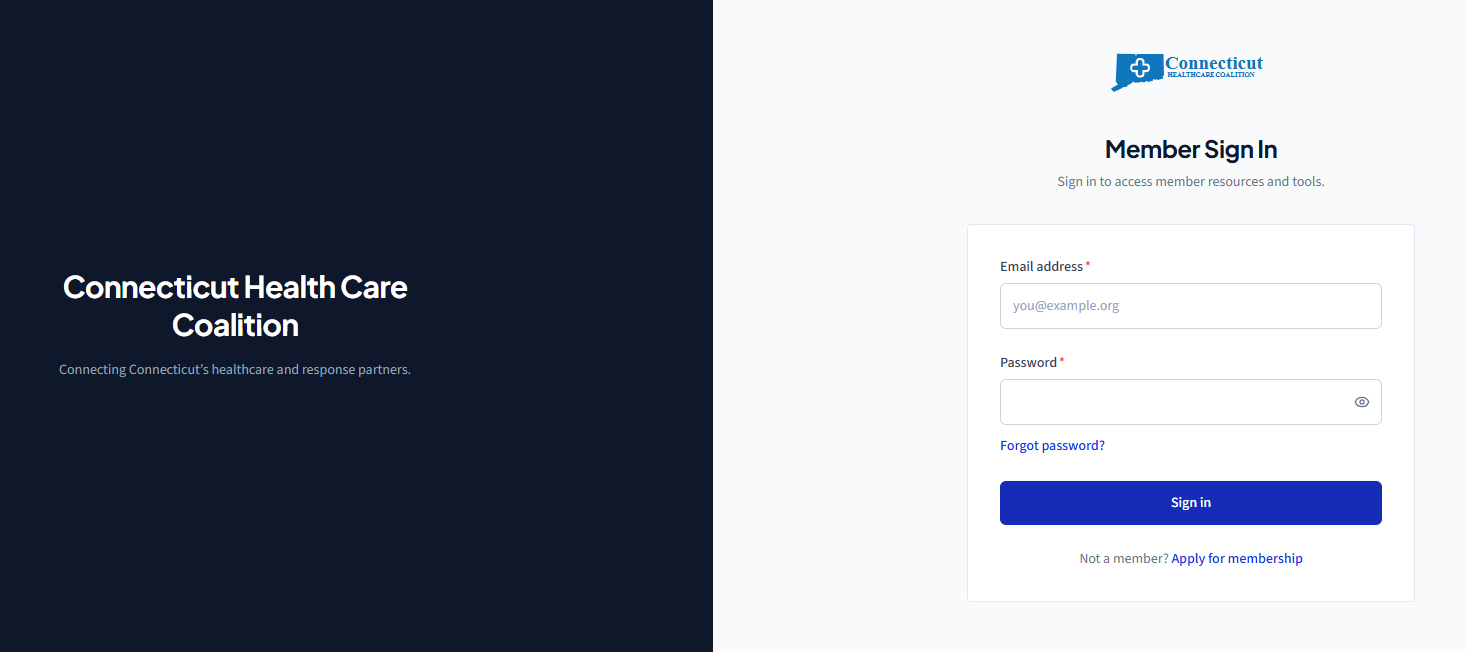
Step 5: Enter your login credentials.
If this is your first time logging in, you will be asked to change your password from the temporary one you were provided.
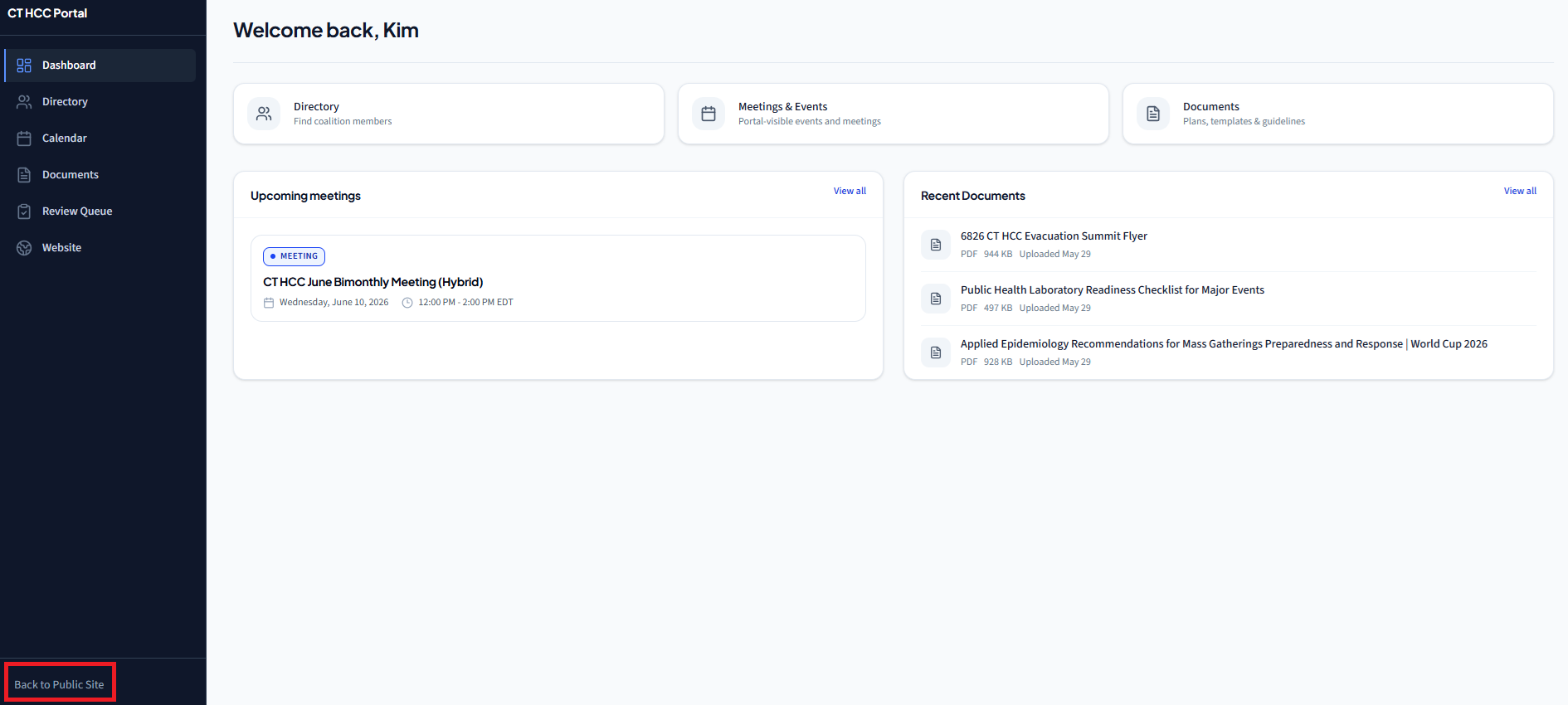
Step 6: Explore the member portal
You will be able to see coalition documents, news, calendar events, contact information, and more! To return to the public-access site, you can click the words "Back to Public Site" at the lower left hand corner of the screen at any time.
We will be conducting a full review of the website changes at our bimonthly meeting on June 10, so make sure not to miss it!